












 9 months ago by Yesber
This step-by-step guide will help you use Yprac together with third-party workshop maps, like the new CS2 Cache!
1. Prerequisites: Yprac CS2 Beta Setup
Before you can use workshop maps with Yprac, make sure you've signed up for the Yprac CS2 Beta and have the client installed. If you haven't done this yet, follow our complete Getting Started with Yprac CS2 Beta guide.
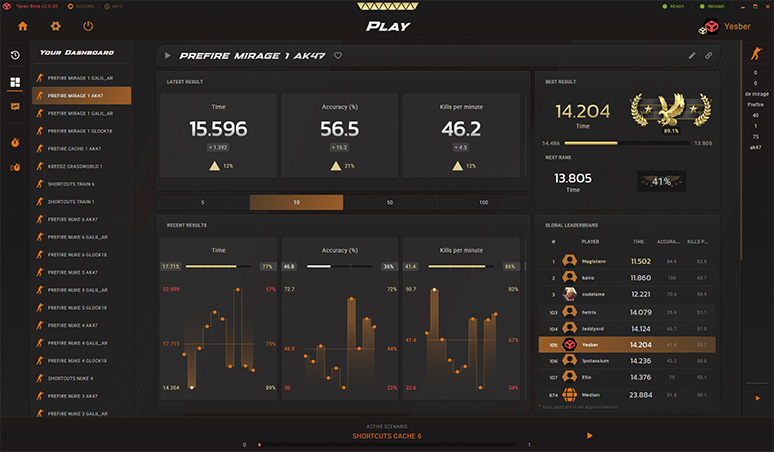
The Yprac companion app provides enhanced features and analytics
2. Subscribe to Workshop Maps on Steam
Before launching Yprac, you'll need to subscribe to and download the workshop maps you want to practice on. For example, to download Cache, visit the Cache Workshop page and click "Subscribe".
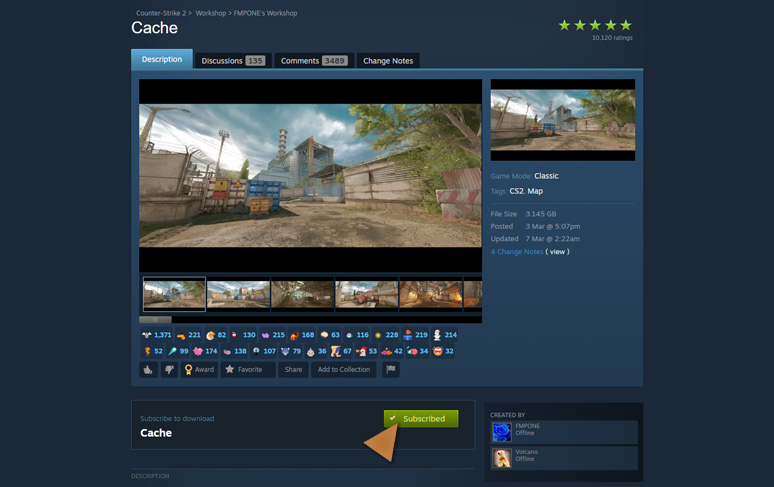
One of the maps of all time!
Currently, you can only launch Yprac modes on a specific set of supported workshop maps. You can find a growing list in the Steam Workshop Collection.
3. Launch Yprac and Load the Workshop Map
Once you've subscribed to your desired workshop map and have it downloaded, follow these simple steps:
- Launch CS2 with the
-condebuglaunch option enabled - Open the Yprac Hub by selecting it from your Workshop Maps
- When spawned in the Hub, simply type the map name ( e.g.,
cache) in the chat - The map will automatically change to the workshop version and launch the Yprac Hub with all available practice modes
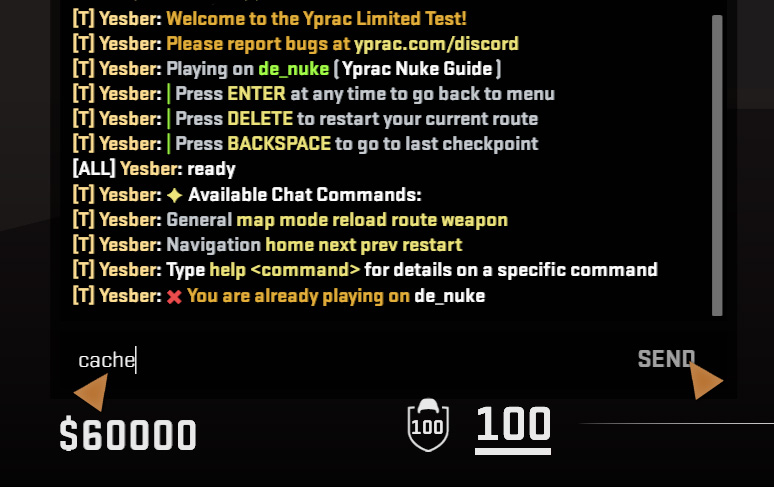
When ingame, use the Y key to open the chat window
4. Start Practicing!
You now have access to all released Yprac practice modes on your favorite workshop map! Select any training routine from the in-game menu and start honing your skills on using our custom modes. I am frequently adding more content to the Yprac platform so check back often to stay up-to-date.
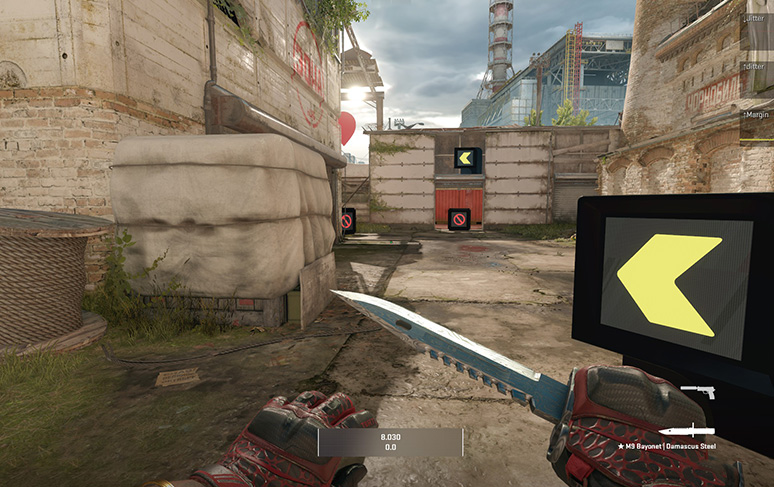
If you enjoy my work and want to support it, please consider becoming a premium club member!
Looking forward to hearing your thoughts and suggestions!
All the best,
Yesber